
Zebra 123Scan: Simplifying Your Barcode Scanner Setup and Management
Posted by The ZPS Store on May 14th 2025
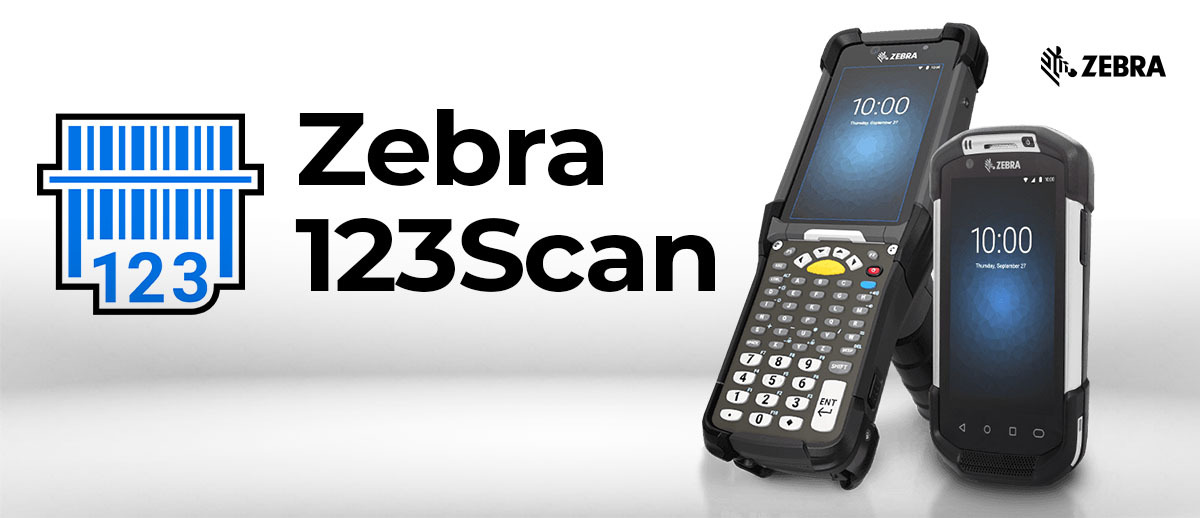
Setting up barcode scanners shouldn't be complicated or time-consuming. With Zebra's innovative 123Scan software, configuring, deploying, and managing Zebra barcode scanners is streamlined into an effortless and intuitive process. Whether you're an experienced IT professional or handling scanners for the first time, Zebra 123Scan ensures a hassle-free setup experience.
Effortless Barcode Scanner Configuration
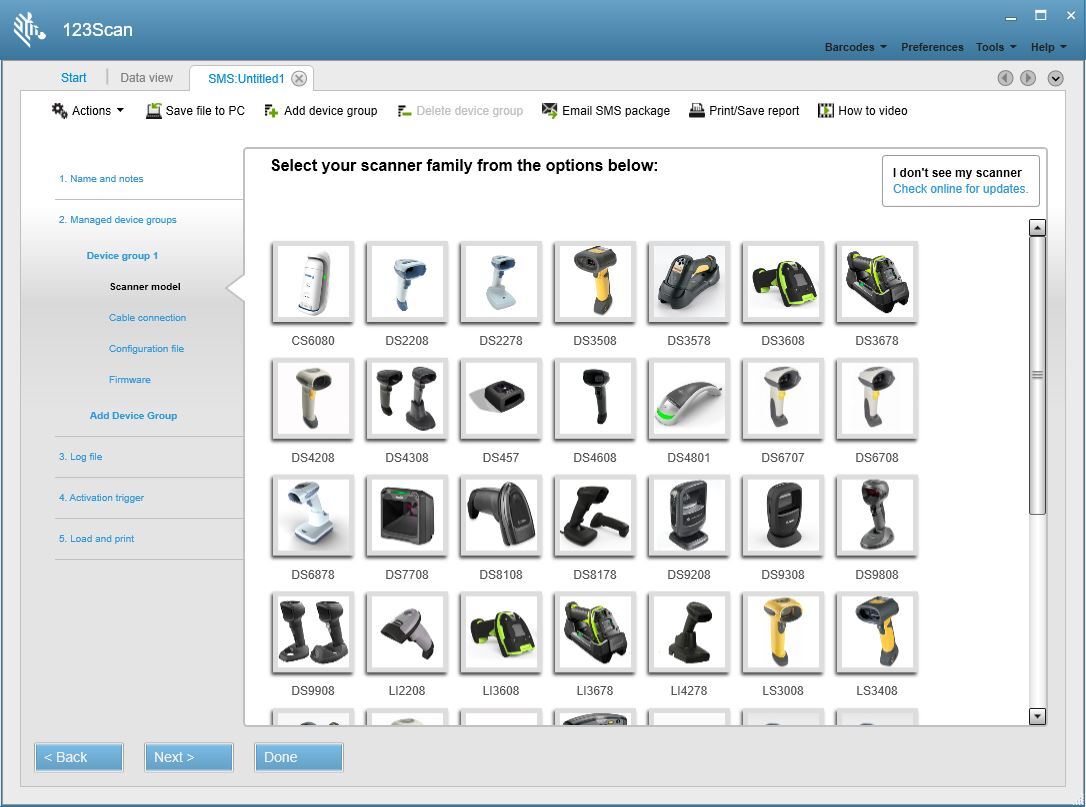
Zebra 123Scan features a patented Configuration Wizard that intuitively guides users step-by-step through the setup process. From automatically detecting connected scanners to seamlessly configuring device settings, users can easily manage their scanner deployments without any prior technical experience. Firmware updates and parameter settings become a simple and error-free process, preserving existing configurations even after updates.
Simple Barcode Scanner Staging
With 123Scan, electronic staging of barcode scanners is not just simpler; it's significantly faster. The software offers innovative capabilities such as the automatic detection and programming of scanners without the need to scan barcodes manually. Users can quickly download parameters and firmware updates in a single step. Additionally, Mass Upgrade Mode facilitates batch staging, allowing simultaneous updates for up to ten scanners at a time through connected USB hubs.
Display Images & Barcode Data Clearly
Ensuring data accuracy is critical in barcode scanning environments. Zebra 123Scan provides the capability to visually display scanned barcode data clearly, including non-printable characters. Moreover, when paired with imaging scanners, it enables users to capture, view, and save images directly to their computers, significantly reducing the likelihood of data capture errors.
Comprehensive Reporting Options
Maintain meticulous records of your barcode scanner assets and performance with 123Scan’s robust reporting capabilities. Generate comprehensive inventory reports listing critical details such as serial numbers, model numbers, firmware versions, and manufacturing dates. Parameter setting reports document all programmed parameters in an easy-to-read format, while statistics reports provide insightful data on device performance metrics.
Legacy Systems Compatibility
Protect your existing infrastructure investment with Zebra 123Scan’s superior compatibility features. The software seamlessly integrates Zebra barcode scanners into legacy systems and environments. Advanced Data Formatting (ADF) rules allow customized formatting of barcode data to match your existing host applications precisely, facilitating smooth integration and functionality across diverse technology ecosystems.
Download Zebra 123Scan PDF:
Enhanced by Zebra’s DataCapture DNA
Zebra 123Scan is part of Zebra’s comprehensive DataCapture DNA software ecosystem, designed to optimize your scanning experience through intelligent software solutions. This ecosystem approach ensures that users not only receive top-quality hardware but also benefit from continuous software enhancements that simplify deployment, management, and ongoing operation of barcode scanners.
Watch Now to Learn More
Need More Zebra Barcode Scanner Help?
Even with powerful tools like Zebra 123Scan, there may be times when additional support is necessary. In such cases, The ZPS Store, a premier Zebra Technologies barcode scanner solutions provider, is ready to help. With over 30 years of expertise in delivering effective barcoding solutions, the certified technicians at The ZPS Store can assist you with troubleshooting, optimizing scanner performance, and ensuring your Zebra equipment operates flawlessly. Support from The ZPS Store is conveniently available through a simple call or click, providing peace of mind and professional assistance exactly when you need it.
Visit The ZPS Store Barcode Equipment Support & Repair Center
Talk to an Expert