
Why Your Ribbon Isn't Working With Your Labels: A Diagnostic Guide
Posted by The ZPS Store on Jun 22nd 2026
By The ZPS Store | Zebra Printer Troubleshooting | Ribbon and Media Diagnostic Guide
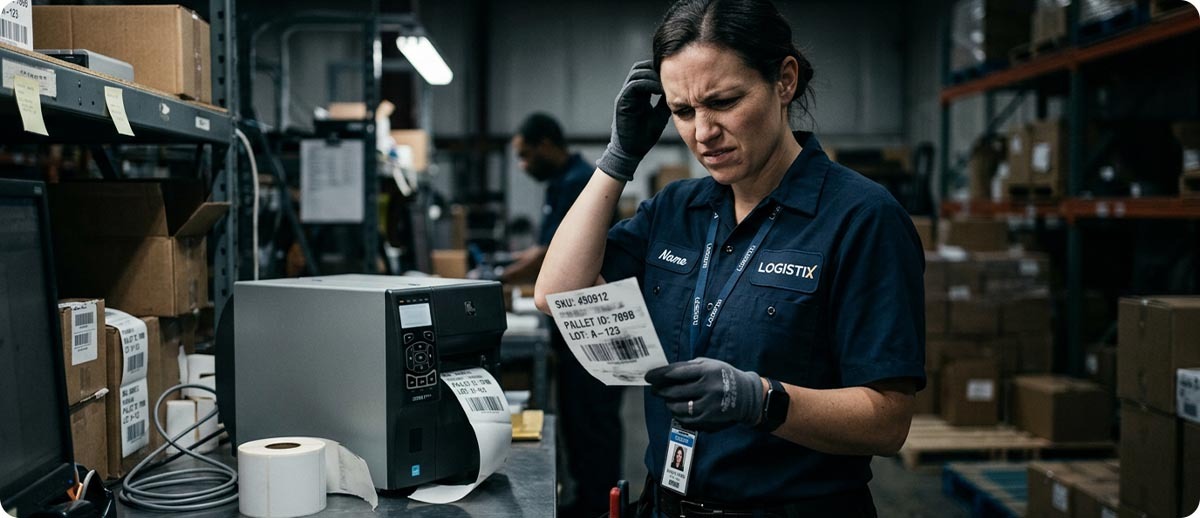
Most ribbon problems get blamed on the printer. Someone calls in convinced the printhead is failing, or the printer needs service, when the real issue is that the ribbon chemistry and the label facestock were never compatible to begin with. This happens more than you'd think, especially after a label supplier change, a switch to a new material for durability reasons, or a new printer that came preloaded with whatever ribbon happened to ship with it.
The good news is that ribbon and media mismatches produce specific, recognizable symptoms. Once you know what to look for, diagnosing the problem takes about thirty seconds and fixing it usually means swapping a ribbon, not replacing a printer.
Match Your Symptom to the Cause
Why does my printed label smear when I touch it?
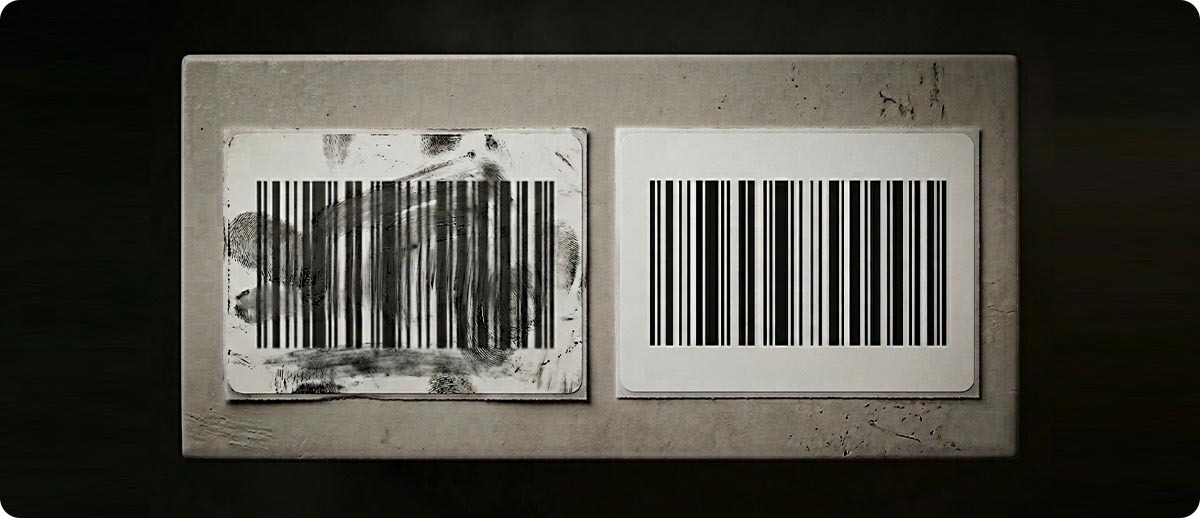
A label that smears under light finger pressure right after printing almost always means the ribbon ink never fully bonded to the label surface. This happens in one of two situations. The first is a wax ribbon running on a synthetic label material like polypropylene or polyester. Wax ribbon is formulated to bond to paper facestock. It does not adhere properly to most synthetic surfaces, so the ink sits on top of the label rather than fusing into it, and it wipes off under almost any contact.
The second situation is a darkness setting that is too low for the ribbon grade you're running. If the printhead isn't generating enough heat, the ribbon ink only partially transfers, and what does transfer sits loosely on the label surface instead of bonding into it. The fix in this case is straightforward: increase the darkness setting in small increments and run a FEED self-test until the printed image holds up to the scratch test described below.
Quick test: print a label, let it sit for a minute to cool, then drag a fingernail firmly across the printed barcode. If ink transfers to your fingernail or the image visibly smears, you have a bonding failure. Check your label material first. If it's a synthetic and you're running wax ribbon, that's your answer. If it's paper and the ribbon should be compatible, the darkness setting is the next thing to check.
Why does my barcode look faded or washed out even though the printer looks fine?
Faded or washed out print, sometimes called ghosting when only part of the image is affected, is the opposite problem from smearing. This is almost always a resin ribbon running at a darkness setting calibrated for wax. Resin ribbon requires significantly more heat to transfer cleanly than wax does. If your printer was originally set up with wax ribbon and someone later switched to resin for durability without adjusting darkness, every label since that switch has been under-transferring.
This is one of the most common support calls we get after a ribbon upgrade. The customer switches to resin because they need better chemical or abrasion resistance, the new ribbon comes in, gets loaded, and the first print run looks faint or inconsistent. Nothing is wrong with the printer or the new ribbon. The darkness setting simply needs to go up, sometimes significantly, to match the higher transfer temperature resin ribbon requires.
Run a FEED self-test (Home, Tools, Print Quality Report on touchscreen ZT and ZD models) after any ribbon grade change. It prints a range of darkness levels in one pass so you can see exactly where your specific ribbon and label combination produces clean, complete output without guessing.
Why is there a dark residue building up on my printhead since I switched ribbon or label suppliers?
This is the printhead glazing symptom, and a recent supplies change is the most common trigger. When ribbon ink doesn't transfer cleanly to the label, the excess residue doesn't just disappear. It accumulates on the printhead face, builds up over repeated print cycles, and eventually bakes into a hardened layer over the heating elements. You'll notice it as a dark film on the printhead during cleaning, and you'll usually notice print quality declining gradually in the same timeframe.
If this started after switching label suppliers, the new facestock coating may have different transfer characteristics even if it looks identical to the old material. If it started after switching ribbon grades or brands, the backcoat formulation on the new ribbon may be interacting differently with your printhead and your current darkness setting. Either way, clean the printhead with a 99 percent IPA wipe, confirm the ribbon grade matches the label material using the table below, and run a FEED self-test to recalibrate darkness for the new combination.
Why does my ribbon keep wrinkling or showing diagonal creases in the printed image?
Ribbon wrinkle shows up as diagonal streaks, blotchy voids, or a crinkled appearance across part of the printed image, and it's usually a tension or alignment problem rather than a ribbon-media chemistry mismatch. That said, the wrong ribbon width relative to your label width can make wrinkle worse, since a ribbon that's too narrow or too wide for the label doesn't track through the print path evenly. If you've recently changed ribbon width along with a label change, verify the ribbon width is matched to (or very slightly wider than) the label width as a first check before adjusting ribbon tension settings.
Why does my label peel away from the ribbon backing during printing?
If the printed label and the ribbon are sticking together and pulling apart awkwardly as they exit the printer, rather than separating cleanly the way they should, that's typically excess heat from a darkness setting that's too high for the ribbon and media combination. The ribbon ink is over-melting, which can cause it to bond too aggressively to both the label and its own backing simultaneously. Lower the darkness in small steps and retest. If lowering darkness doesn't resolve it and you're running a high print speed, dropping print speed slightly can also reduce the heat exposure per label and resolve the same symptom.
The Ribbon to Media Compatibility Table
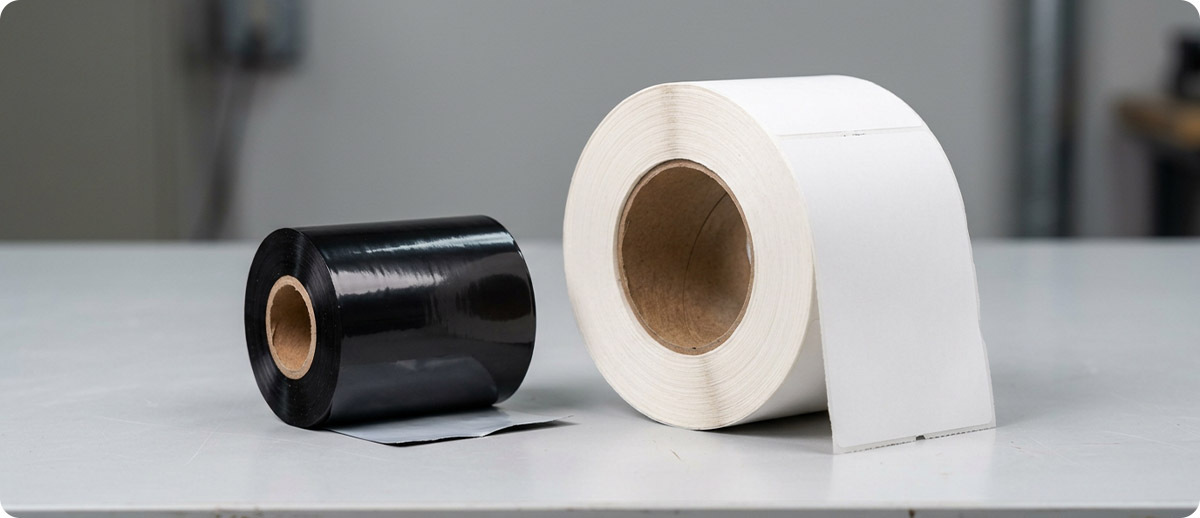
Use this table to check whether your current ribbon and label material were ever a compatible pairing in the first place. If you find your combination in the "avoid" column, that mismatch is very likely the root cause of whatever symptom brought you to this page.
| Label Material | Compatible Ribbon | Avoid |
|---|---|---|
| Coated or uncoated paper | Wax, Wax-Resin, Resin | None, all grades work |
| Matte polypropylene or matte polyester | Wax-Resin, Resin | Wax |
| Gloss polypropylene or gloss polyester | Resin only | Wax, Wax-Resin |
| Vinyl or chemical drum labels | Resin | Wax, Wax-Resin |
| Textile or fabric care labels | Textile-specific Wax-Resin (Zebra 5586) | Standard Wax, standard Resin |
A Note on Darkness After Any Ribbon or Label Change
Worth repeating because it causes so many of these support calls: darkness is not a universal setting that works the same way across every ribbon grade. Wax transfers at lower temperatures than wax-resin, which transfers at lower temperatures than full resin. Any time you change ribbon grade, switch label material, or switch print speed, the darkness setting that worked perfectly before may no longer be correct. Running a FEED self-test after any supplies change takes about thirty seconds and prevents the majority of the symptoms covered in this guide before they start. Our darkness settings guide covers the full adjustment process for every current Zebra desktop and industrial model if you need the complete walkthrough.
Ribbon at The ZPS Store
All ribbon at The ZPS Store is genuine Zebra, sourced directly from Zebra's supply chain across all three grades and the most common widths and lengths.
Wax Ribbon, for coated and uncoated paper
Zebra 2100: high-performance wax, improved scratch resistance over standard wax
Zebra 5319: general-purpose wax for standard paper labeling
Shop Wax Ribbon →Wax-Resin Ribbon, for paper and matte synthetics
Zebra 3200: premium wax-resin, superior scratch resistance for industrial and outdoor use
Zebra 5555: standard wax-resin for coated paper and matte synthetics
Zebra 6100: high-performance wax-resin, excellent print quality on synthetics
Zebra 5586: textile-formulated wax-resin for fabric care labeling
Shop Wax-Resin Ribbon →Resin Ribbon, for gloss synthetics and chemical exposure
Zebra 6200: cost-effective resin for synthetic labels with chemical exposure
Zebra 5095: premium resin, excellent chemical resistance and sharp print quality
Shop Resin Ribbon →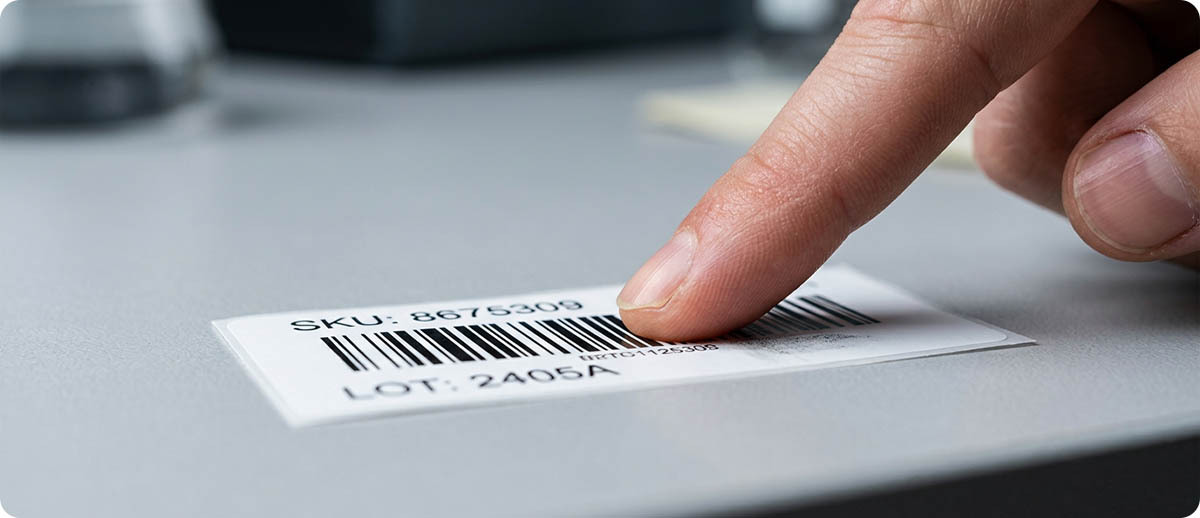
Frequently Asked Questions
I didn't change anything and my labels suddenly started smearing. What happened?
Check whether your ribbon or label supplier shipped you a new batch recently, even of the "same" product. Facestock coatings and ribbon backcoat formulations can vary slightly between production runs or if the supplier sources from a different manufacturing line. A new case of what should be an identical product can transfer slightly differently at the same darkness setting that worked perfectly with the last case. Run a FEED self-test with the new batch before assuming the printer itself has changed.
Can I use a generic or off-brand ribbon instead of genuine Zebra ribbon?
Generic ribbons exist at lower price points, but the backcoat formulation, ink chemistry, and core compatibility are not standardized across brands the way the wax, wax-resin, and resin category names might suggest. Two products both labeled "wax-resin" from different manufacturers can behave differently on the same label and at the same darkness setting. If you're troubleshooting a mismatch symptom and you're running non-Zebra ribbon, switching to genuine Zebra ribbon as a test removes one more variable from the diagnosis.
How do I know what label material I actually have if it isn't marked?
Paper facestock tears easily and has a matte, slightly textured surface. Synthetic facestock (polypropylene, polyester) resists tearing, often has a slight sheen even in "matte" grades, and feels more like a thin plastic film than paper. If you're unsure, check your original purchase order or packing slip for the material name, or contact us with the part number if you ordered through The ZPS Store. We can confirm the exact facestock and recommend the correct ribbon grade.
Does this apply to direct thermal printing too?
No ribbon is involved in direct thermal printing, so the smearing and bonding symptoms in this guide are specific to thermal transfer. Direct thermal has its own set of failure modes, mainly fading from heat, light, or chemical exposure over time, which is a label material durability issue rather than a ribbon compatibility issue.
If you've worked through this guide and the symptom is still showing up, or if you want us to confirm the right ribbon grade for a specific label material before you order, our team can help. Fill out the form below and let's get your ribbon and label actually working together.