
Zebra Card Printers: Employee Badges, Access Cards, and What the ZC100 and ZC300 Actually Do
Posted by The ZPS Store on Aug 25th 2026
By The ZPS Store | Card Printers | ZC100 and ZC300 Guide
Card printing is a genuinely separate category from label printing. The media is different, the print method is different, the output is different, and the applications are completely different. We cover Zebra label printers in detail across the rest of this blog. This guide is specifically for the card printer category, which has its own buyer and its own set of questions.
How Card Printing Actually Works
What makes a card printer different from a label printer?
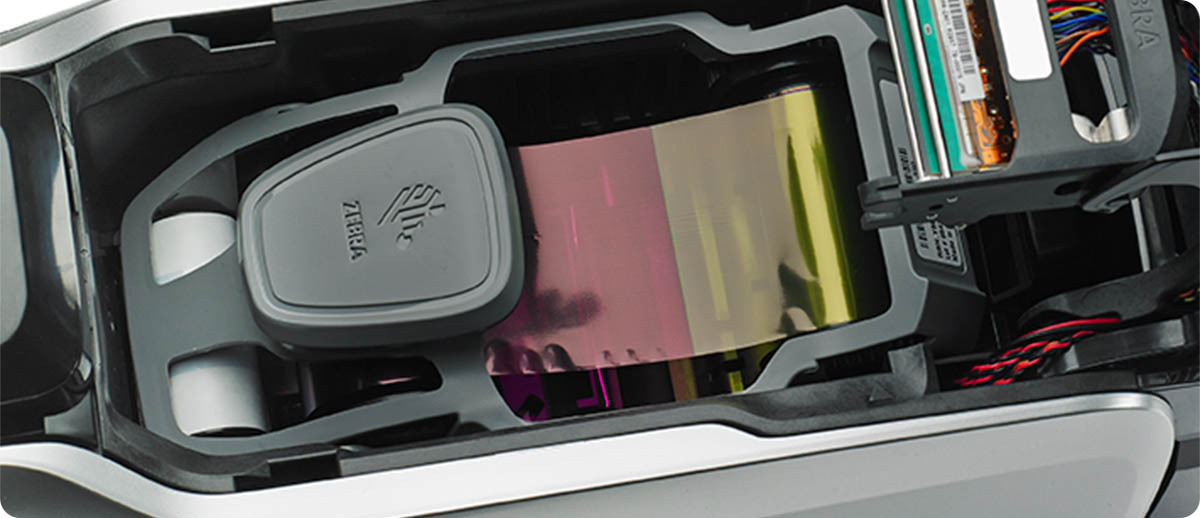
The fundamental difference is the media. A label printer works with flexible roll-based media, paper or synthetic, and prints on the surface using heat. A card printer works with rigid PVC cards in the standard CR80 format, the same size as a standard credit card, and prints using dye-sublimation thermal transfer. In dye-sublimation printing, dye is transferred from a ribbon directly into the card surface rather than onto it, which produces full-color photographic quality output that is integrated into the card material rather than sitting on top of it. The result is a finished card that looks professionally printed because it genuinely is.
Card printers also handle encoding as part of the print process. A magnetic stripe on the back of a card can be written at the same time the front is being printed. Contactless encoding for access control or smart card applications can be added through the ZIP Pocket integration on both Zebra ZC series printers. The card comes out of the printer printed and encoded in a single pass.
What applications actually use card printers?
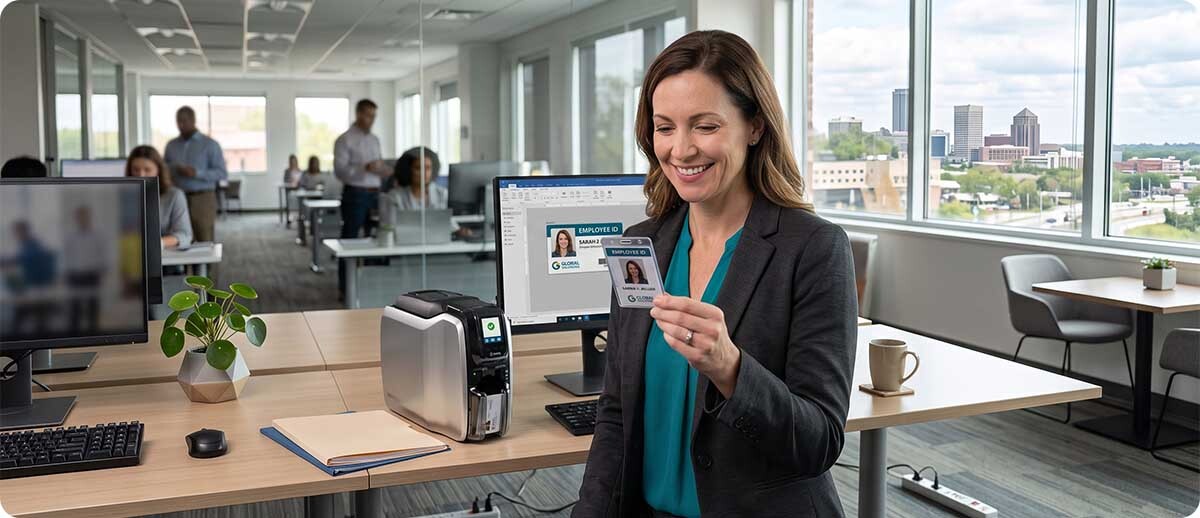
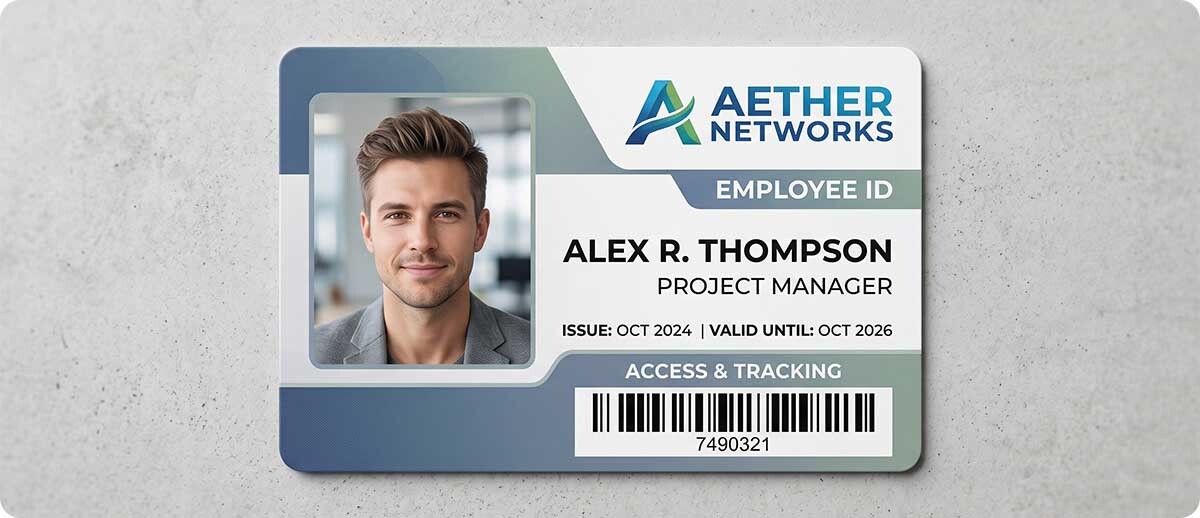
Employee ID badges. Organizations that issue photo ID badges to staff need a card printer. A badge with the employee's photo, name, title, department, and a barcode or magnetic stripe for access control is the most common card printing application. Card printers produce these on demand at HR or reception desks without requiring outsourcing to a card printing supplier.
Visitor and contractor passes. Facilities that need to issue temporary passes to visitors, contractors, or delivery personnel print visitor cards on demand at the front desk. A visitor card with a photo, the visitor's name, and an expiration date or date stamp creates a visible access credential that's harder to fake or transfer than a paper sticker.
Access control cards. Organizations using card-based physical access control systems need cards that are encoded with the right credential for the access control reader at each door. Card printers with magnetic stripe or contactless encoding encode the credential as part of printing the card. IT and facilities teams issue new access cards on-site without waiting for an outside card bureau.
Membership, loyalty, and event cards. Retail membership programs, gym memberships, library cards, event season passes, and similar cards that need to be issued in person at the point of enrollment are all card printer applications. The card is printed and handed to the member or guest before they leave.
Student and campus ID cards. K-12 schools, universities, and campuses issue student ID cards that double as library cards, meal plan cards, and facility access credentials. Card printers in the registrar or campus security office produce these on enrollment day.
The Zebra ZC100: Single-Sided, Slim, and Simple
What is the ZC100 and who is it for?
The ZC100 is Zebra's entry-level card printer and the right choice when the job is straightforward: print a single-sided color card, hand it to someone, repeat. It's a single-sided only printer, meaning it prints on one face of the card. For the majority of employee badge, visitor pass, and membership card applications where all the information lives on the front of the card, single-sided printing covers everything.
The ZC100 prints at 300 DPI using dye-sublimation thermal transfer, producing photo-quality color output. Speed is 150 cards per hour in YMCKO full color and 700 cards per hour in monochrome. Both the input and output hoppers hold 100 cards, which reduces how often the printer needs to be attended during a batch run. The auto-adjusting card feeder handles card thicknesses from 10 to 40 mil without manual adjustment between card stocks.
The design is genuinely compact, described by Zebra as the slimmest card printer in its class, and it's specifically designed to fit in customer-facing environments like hotel front desks, hospital admission areas, retail membership counters, and school reception desks without looking like industrial equipment. The ribbon changes are toolless with a door-handle style grip and embedded smartchips that tell the printer when the ribbon needs changing.
Optional magnetic stripe encoding and contactless encoder integration via ZIP Pocket are available as field upgrades, so the ZC100 can grow into encoding capability without replacing the printer if that requirement comes later. AES data encryption and printer/host authentication are standard for secure printing of sensitive card data.
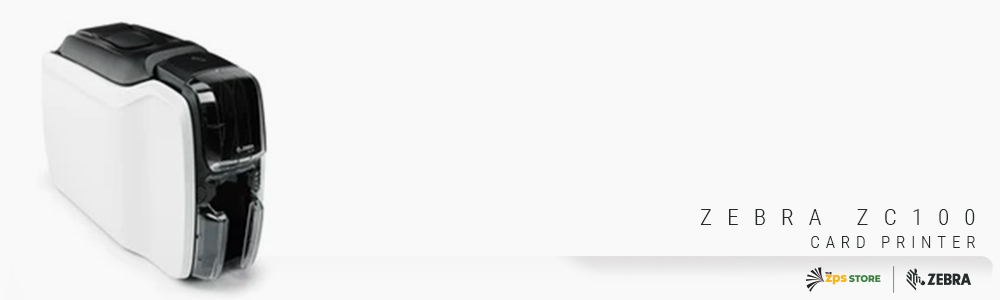
Zebra ZC100 Card Printer
Single sided | 300 DPI | 150 cards/hr color | 100 card hopper | USB standard, optional Ethernet/Wi-Fi | Optional mag stripe
ZC11-0000000US00: Single sided, USB only
ZC11-000C000US00: Single sided, USB + Ethernet
ZC11-000W000US00: Single sided, USB + Wi-Fi
ZC11-0M0C000US00: Single sided, USB + Ethernet + mag stripe
ZC11-0000Q00US00: Starter kit with webcam, 200 cards, YMCKO ribbon
Shop Zebra ZC100 →
The Zebra ZC300: Dual-Sided, More Encoding, More Throughput
What does the ZC300 add over the ZC100?
The ZC300 is the step up when either dual-sided printing or a higher level of standard connectivity and encoding is required. The biggest functional upgrade is dual-sided printing capability. With the dual-sided ZC300, the card flips inside the printer and the back is printed in the same pass as the front, producing a finished dual-sided card without a second step. For cards that carry information on both sides, like a card with the employee photo and name on the front and the cardholder terms or a magnetic stripe on the back, the dual-sided ZC300 handles this in one pass at 140 dual-sided YMCKOK cards per hour.
The ZC300 also ships with a graphical color LCD display rather than the ZC100's LED indicators. The LCD shows icons, animations, and text-based messages in the user's language, making it genuinely easier for non-technical staff to understand and clear printer status messages without calling IT. For a printer that sits at a front desk and is operated by reception staff rather than IT professionals, the LCD display reduces the support burden noticeably.
Ethernet is standard on the ZC300 where it's optional on the ZC100, and magnetic stripe encoding is standard on mag stripe configurations without requiring a field upgrade. The single-sided ZC300 reaches 900 cards per hour in monochrome, significantly faster than the ZC100's 700, which matters for high-volume badge issuance events like orientation days or large events where a queue of people is waiting for their card.
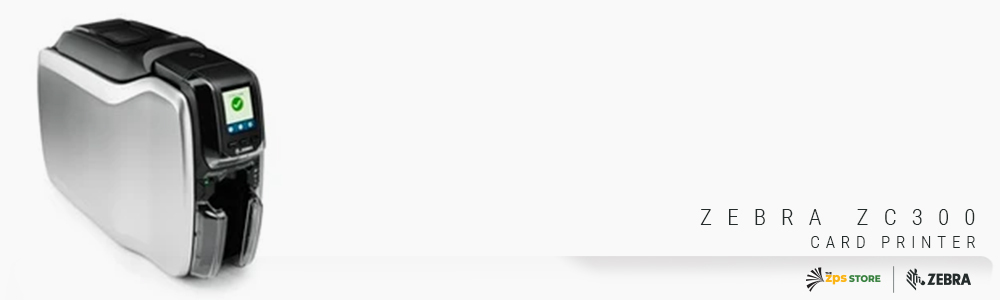
Zebra ZC300 Card Printer
Single or dual sided | 300 DPI | Up to 900 cards/hr mono, 200 color | Color LCD display | USB + Ethernet standard | Mag stripe standard on select configs
ZC31-000W000US00: Single sided, Wi-Fi
ZC31-000C000US00: Single sided, Ethernet
ZC31-0M0C000US00: Single sided, Ethernet, mag stripe
ZC32-000C000US00: Dual sided, Ethernet
ZC32-000C0G0US00: Dual sided, Ethernet, TAA compliant
Shop Zebra ZC300 →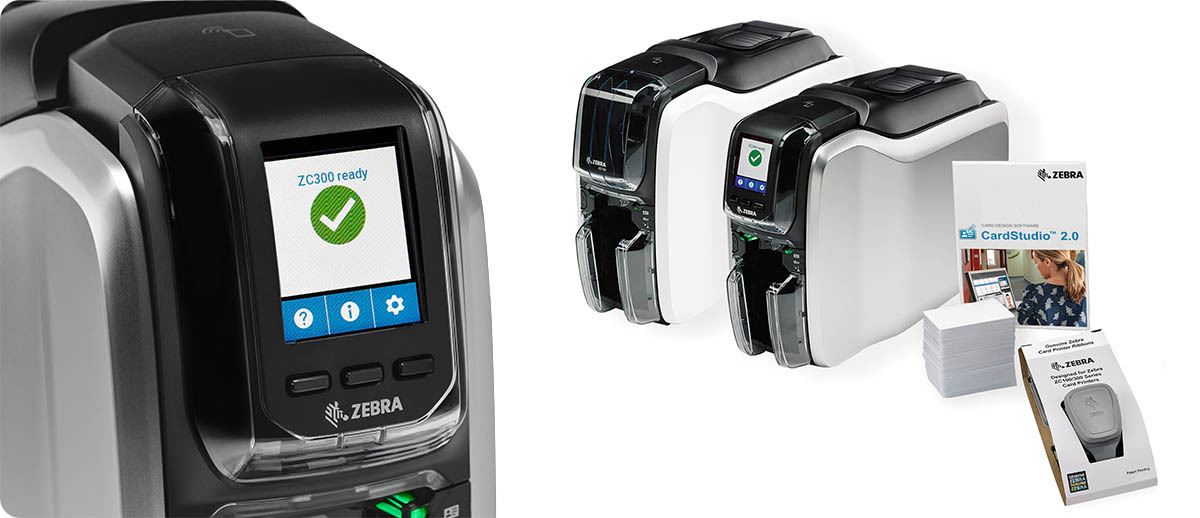
ZC100 vs. ZC300: Which One Do You Need?
| Your Situation | Right Printer |
|---|---|
| Single-sided ID badges, visitor passes, membership cards | ZC100 |
| Single-sided, need Wi-Fi connectivity from the start | ZC100 Wi-Fi config |
| Cards need information printed on both sides | ZC300 dual sided |
| Magnetic stripe encoding required as a standard feature | ZC300 mag stripe config |
| High-volume batch issuance, need fastest throughput | ZC300 |
| Non-technical reception staff operating the printer daily | ZC300 (color LCD display) |
Quick Questions
Do we need a webcam or can we use our own camera for badge photos?
The ZC100 starter kit includes a webcam for capturing employee photos at the time of card printing. If you already have a camera or webcam that works with your card design software, you don't need to buy the starter kit version. Zebra's CardStudio software, which comes with both the ZC100 and ZC300, supports importing photos from any source including USB webcams, existing HR system databases, or image files. If you're setting up a new badge issuance station from scratch, the starter kit simplifies the initial setup.
What software do we use to design the card layout?
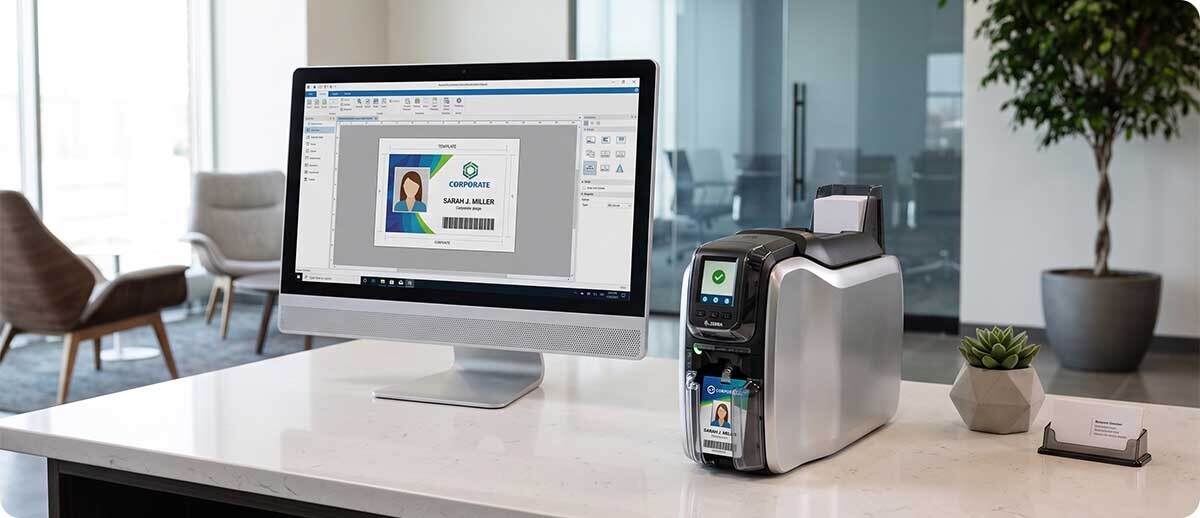
Both the ZC100 and ZC300 include Zebra's CardStudio software, which is specifically designed for card layout and printing. It has templates for common card types, drag-and-drop design tools, database connectivity for pulling employee data from a spreadsheet or HR system, and barcode generation for adding a scannable barcode to each card. For most straightforward badge and ID card applications, CardStudio covers everything without needing third-party card design software. For more complex applications like encoding contactless cards with specific credential formats, additional SDK tools are available through Zebra's Print DNA platform.
Can the ZC100 be upgraded to dual-sided printing later?
No. The ZC100 is a single-sided printer and cannot be upgraded to dual-sided. If there's any possibility you'll need dual-sided printing in the future, specifying the ZC300 from the start is the right call. The magnetic stripe encoder and contactless ZIP Pocket on both printers are field-upgradeable, so encoding can be added after purchase, but the dual-sided printing capability on the ZC300 cannot be added to a ZC100.
If you're not sure whether the ZC100 or ZC300 fits your card printing application, or if you need help figuring out which encoding option your access control system requires, fill out the form below and we'll help you spec the right configuration before you order.