
Zebra RFID Barcode Printers: What Makes a Barcode Printer RFID-Capable and When Your Operation Needs One
Posted by The ZPS Store on Aug 19th 2026

By The ZPS Store | RFID Printers | RFID Printing Explained
RFID printing generates a lot of questions, mostly because RFID as a technology sounds complex but the printer side of it is actually pretty straightforward once you understand the two things that have to come together for it to work: an RFID-capable printer configuration and RFID inlay label media. Neither one works without the other, and getting one without the other is one of the most common ordering mistakes in this category.
How RFID Printing Actually Works
What does an RFID printer do that a standard printer doesn't?
A standard label printer prints ink or heat-activated marks on the surface of a label. That's the complete process. An RFID printer does that plus sends a radio frequency signal to a small inlay embedded inside the label stock, writing data to the chip before the label exits the printer. The output is a label with both a printed barcode and an encoded RFID chip containing data you've programmed, often a serial number, EPC code, or inventory reference.
The practical result is that one label can be read two ways: visually by a person or a barcode scanner, and wirelessly by an RFID reader without the reader needing a line of sight to the label. This is the core reason operations adopt RFID, they can scan an entire pallet of items by walking past it rather than scanning each item individually, and the read happens even if the label is facing away from the reader or hidden behind packaging.
What are the two things required for RFID label printing?
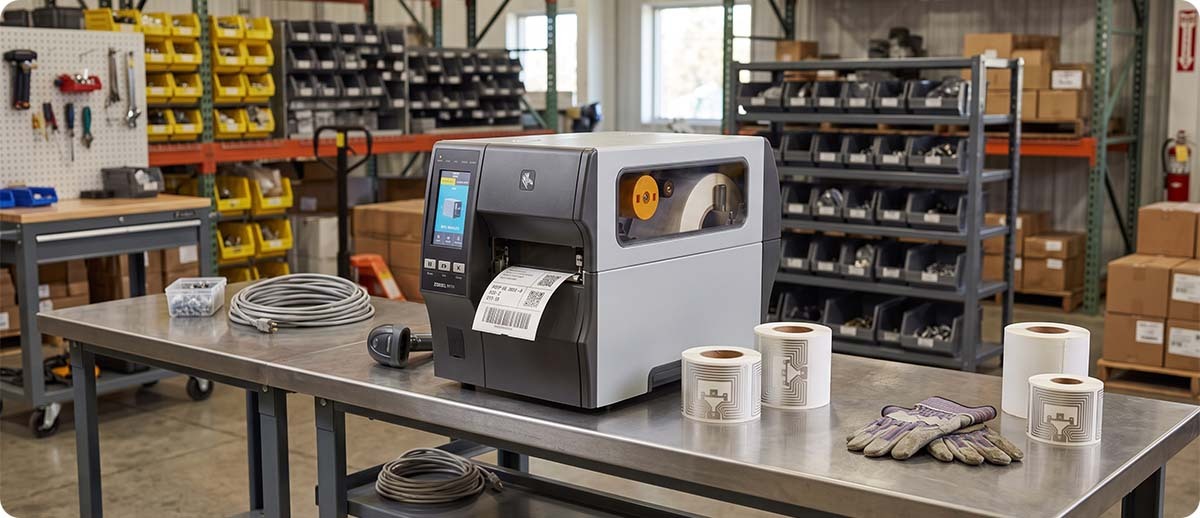
First, an RFID-capable printer configuration. Not every printer in a given model family includes the RFID encoder. On Zebra printers, RFID is a specific configuration option, not a standard feature. A ZT411 without the RFID configuration is a standard label printer. A ZT411 with the RFID configuration has an internal RFID encoder that sits in the print path and programs inlays as they pass through. The two printers look nearly identical but only one of them encodes RFID tags.
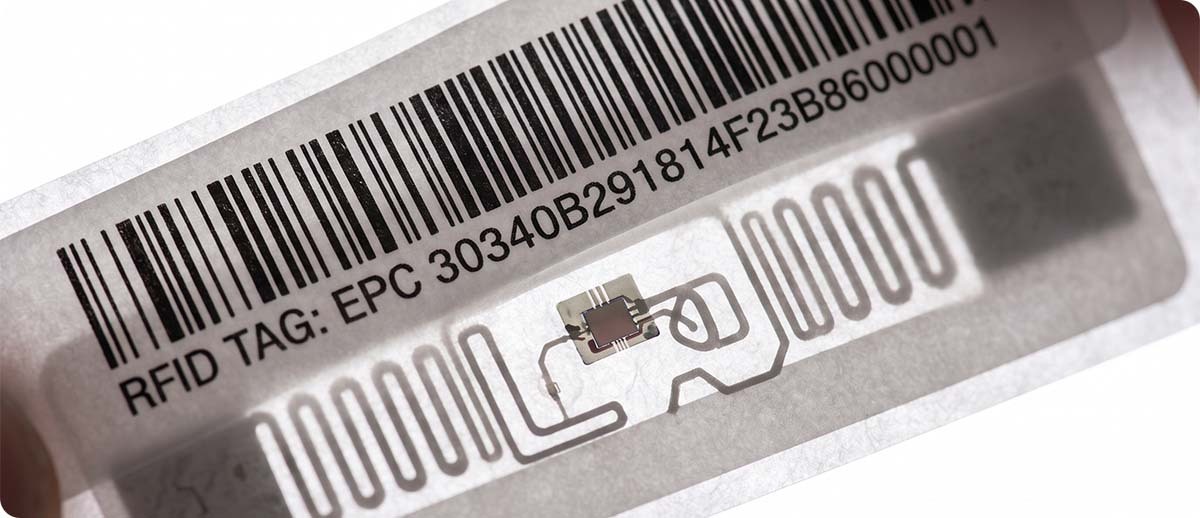
Second, RFID inlay label media. Standard label rolls don't have RFID chips in them. RFID label media has a small inlay embedded in each label, usually visible as a small rectangular bump or feature when you hold the label up to light. The printer's RFID encoder needs to physically align with the inlay as each label passes through to encode it. If you load standard label stock into an RFID printer, it prints normally but doesn't encode anything because there's nothing to encode.
Both pieces have to be in place simultaneously for RFID label printing to work. This seems obvious once you understand it, but ordering a standard ZT411 and then trying to run Silverline RFID labels through it is a common situation we help customers sort out.
Which Zebra Printers Support RFID Encoding
Which Zebra industrial printers are available with RFID?
RFID encoding is available as a configuration option on the ZT411, ZT421, ZT610, ZT620, ZE511, and ZE521. It is not available on the ZT231, and it is not available on any current ZD desktop printer. If you need RFID encoding, you need an industrial or print engine class printer.
The ZT411 is the most common RFID printer in standard warehouse and distribution deployments. It's a 4-inch industrial printer with RFID encoding as a factory or field-installable option, which means you can add RFID capability to an existing ZT411 in the field rather than replacing the printer entirely. The ZT411 also has a specific on-metal RFID configuration for operations that need to apply and encode RFID labels on metal containers, equipment, or assets where standard RFID labels don't work reliably due to signal interference from the metal surface.
The ZT421 is the 6-inch version of the same platform and adds RFID encoding for wider label applications. The ZT610 has the widest range of RFID configurations in the Zebra industrial lineup, including the tightest RFID inlay pitch support for high-density encoding and the broadest range of inlay types, which makes it the right choice for demanding RFID programs with specific inlay requirements.
The ZE511 and ZE521 are Zebra's print engines, designed for integration into automated print-and-apply systems on production lines rather than standalone workstation use. If your RFID labeling is happening on an automated conveyor or applicator rather than at a human-operated station, the ZE series is the relevant platform.
Quick Reference: RFID Availability by Zebra Printer Family
Available: ZT411, ZT421, ZT610, ZT620, ZE511, ZE521
Not available: ZT231, ZD411, ZD421, ZD621, ZD511, ZD611 (any ZD desktop)
When Does Your Operation Actually Need RFID Printing?
What workflow triggers make RFID printing worth the investment?
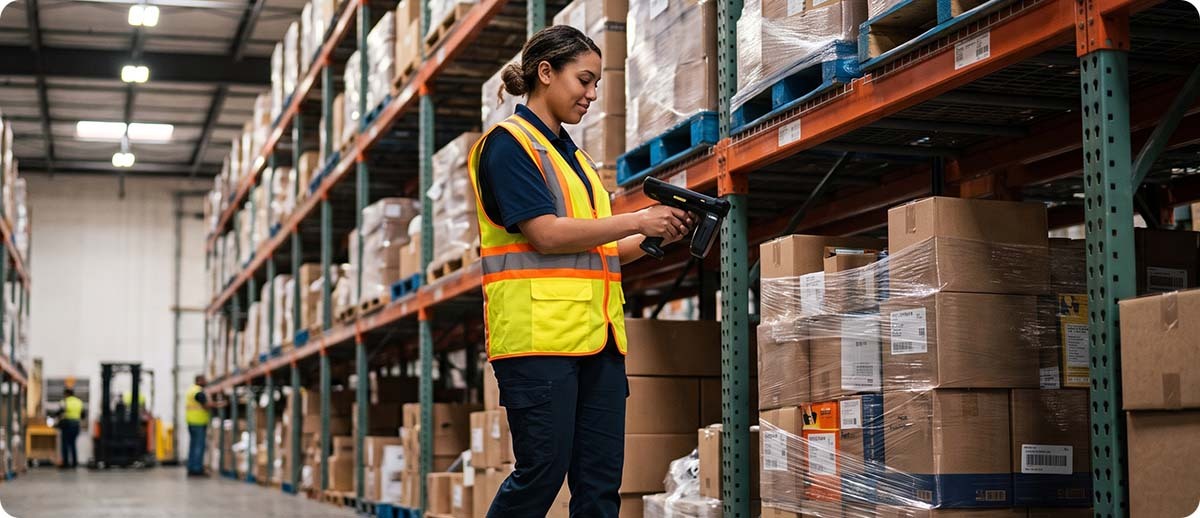
High-volume inventory counting. If your operation does regular cycle counts and the process takes significant labor hours because workers have to individually scan each barcode, RFID changes the math entirely. An RFID reader can read hundreds of tags per second from several feet away without line of sight. A worker walking down a warehouse aisle with a handheld RFID reader can count a full row of shelving in the time it would take to manually scan a fraction of it. The ROI case for RFID in high-SKU warehouse environments is driven almost entirely by this labor reduction in counting and inventory reconciliation.
Retail compliance requirements. Several major retailers including Walmart, Target, and others have active RFID mandates for suppliers in specific product categories. If a retailer is requiring RFID labels on your products as a condition of the trading relationship, an RFID printer is not optional. The GS1 RFID label requirements for retail compliance have been expanding steadily and are continuing to do so. If your products are heading to a retailer with a mandate, this is worth reviewing now rather than when you get a chargeback.
Asset tracking across a facility or fleet. Equipment, tools, carts, containers, and other assets that need to be located and accounted for are a strong RFID use case. RFID labels applied to assets and readers at facility entry and exit points create automated location data without any worker action required for each movement. For operations currently tracking assets through manual log entries or barcode scan processes, RFID dramatically reduces the overhead and improves the accuracy of the record.
Receiving and shipping verification. An RFID-enabled receiving dock can read every tag on every carton in a shipment as it's moved off the truck without individual scanning. Discrepancies between the expected shipment and what's actually received are flagged immediately. For high-volume receiving operations, this both speeds up the process and improves accuracy over manual scanning.
When is standard barcode printing still the right answer?
If your operation doesn't have a retail compliance requirement, isn't dealing with high-volume inventory counting labor costs, and doesn't have an asset tracking problem that justifies the RFID infrastructure investment, a standard barcode printer is still the right tool. RFID printing requires not just the printer but RFID readers throughout the facility to realize the benefits, and that infrastructure cost is real. For operations where one worker scanning one label at a time covers the workflow effectively, barcode is simpler, cheaper, and sufficient.
RFID Printers at The ZPS Store
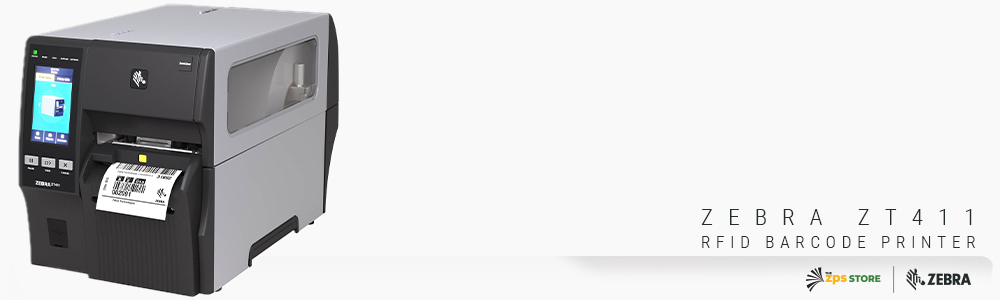
Zebra ZT411 RFID Industrial Printer
4-inch | 203 or 300 DPI | UHF RFID encoder | On-metal option available | Field-upgradeable RFID
ZT41142-T0100A0Z: 4-inch, 203 DPI, RFID UHF encoder
ZT41143-T0100A0Z: 4-inch, 300 DPI, RFID UHF encoder
ZT41142-T5100A0Z: 4-inch, 203 DPI, RFID on-metal tagging solution
Shop ZT411 RFID →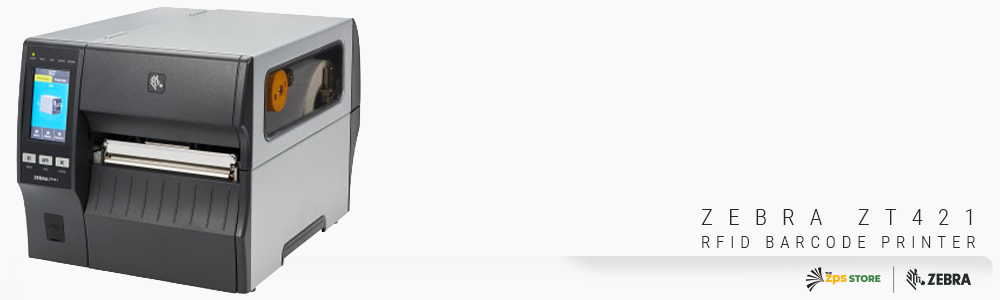
Zebra ZT421 RFID Industrial Printer
6-inch | 203 DPI | UHF RFID encoder | Wider label applications
ZT42162-T0100A0Z: 6-inch, 203 DPI, RFID UHF encoder
Shop ZT421 RFID →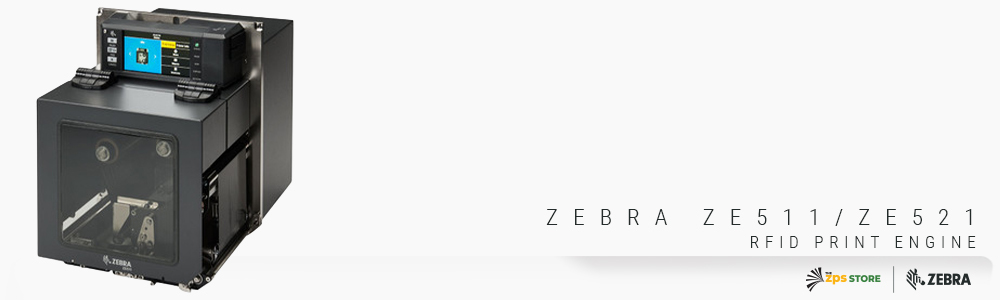
Zebra ZE511 & ZE521 RFID Print Engines
4-inch (ZE511) and 6-inch (ZE521) | Print engine for automation integration | RFID module available
For integration into automated print-and-apply systems. RFID module kit P1112750-046C adds RFID encoding capability to ZE511 and ZE521 print engines.
Shop ZE511 and ZE521 →Questions We Get on RFID Printing
Can I add RFID to my existing ZT411 without replacing the printer?
Yes, if your ZT411 was manufactured with the RFID-upgradeable chassis. The ZT411 supports field-installable RFID, meaning the RFID encoder module can be added to an existing printer in the field rather than requiring a new printer purchase. If you're not sure whether your specific ZT411 is RFID-upgradeable, check the serial number or contact us and we can confirm it before you order the upgrade kit.
What is the on-metal RFID option and do I need it?
Standard RFID inlays don't work well when applied directly to metal surfaces. The metal interferes with the radio frequency signal and the chip either doesn't encode reliably or doesn't read reliably after application. The on-metal RFID solution uses a thicker label design with a spacer layer that lifts the inlay off the metal surface enough to allow reliable encoding and reading. If you're applying RFID labels to metal containers, equipment, tools, or any metal asset, you need the on-metal configuration. If your labels are going on cardboard boxes, plastic totes, or other non-metal surfaces, standard RFID labels and the standard RFID printer configuration work fine.
Do I need to change my label design software to print RFID labels?
You need label software that supports RFID encoding commands, which means it can pass the RFID data to the printer alongside the standard print data. Zebra Designer Professional includes an RFID wizard for this. BarTender and Loftware both support RFID encoding. If you're currently running ZebraDesigner Essentials (the free version), you would need to upgrade to Professional to access the RFID wizard. If you're running BarTender or Loftware, RFID is supported in most tiers.
If you're evaluating RFID printing for the first time and want to make sure you're ordering the right printer configuration alongside the right label media, fill out the form below before you order. Getting both pieces right from the start saves a lot of back and forth.