
Zebra Print Drop Go: The Self-Service Parcel Kiosk That Clears the Counter Line
Posted by The ZPS Store on Oct 22nd 2026
Retail & Parcel · Self-Service Kiosks | By The ZPS Store
In This Post
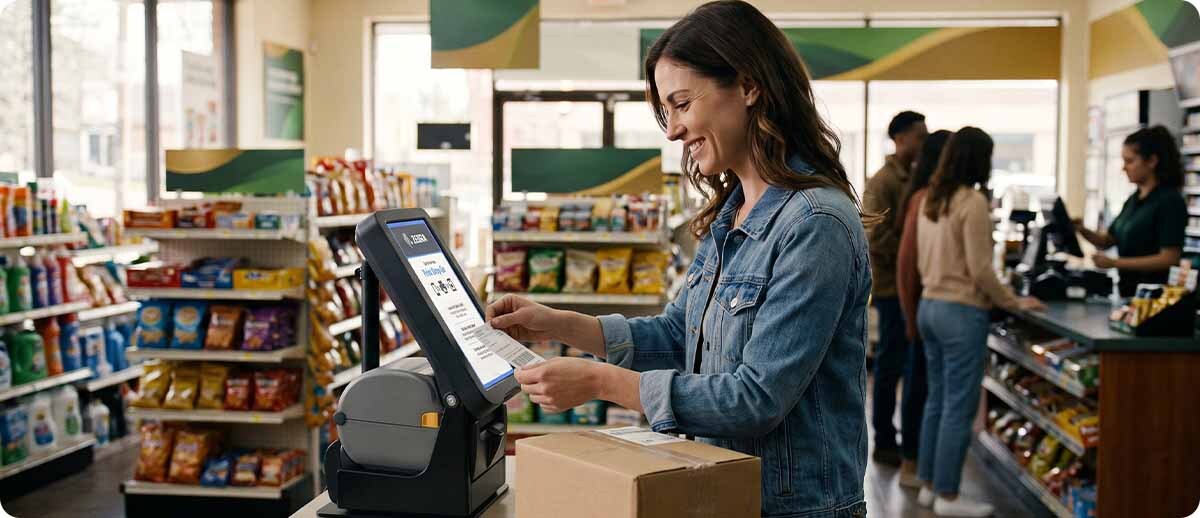
Parcel volume keeps climbing, and more of it is landing on store counters. Zebra's new Print Drop Go kiosk lets customers scan a QR code, print their own shipping label, drop the package, and leave without waiting for an associate. Here's how it works, what's inside it, and which stores it fits.
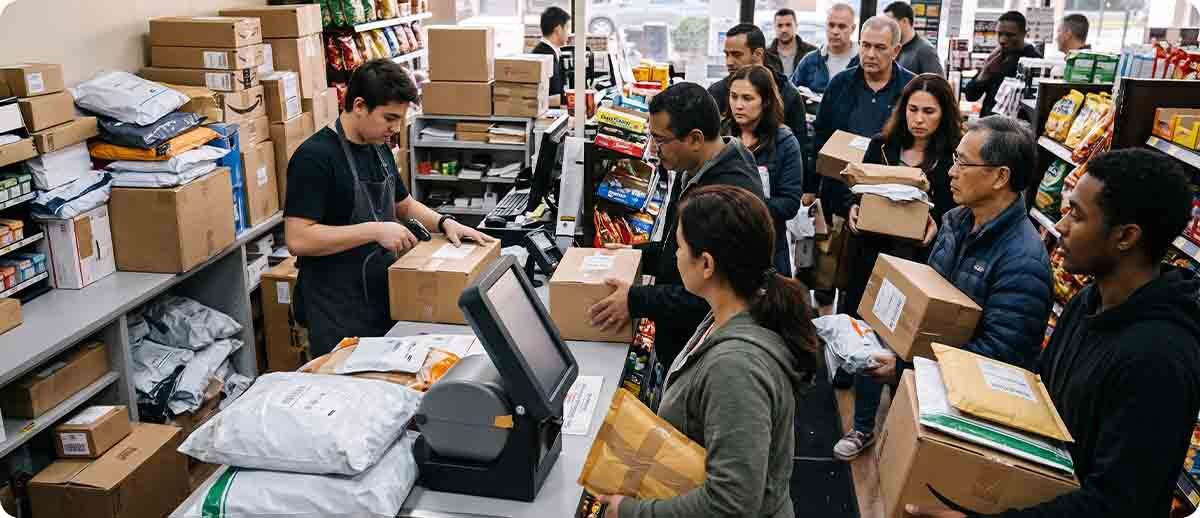
If you run a parcel shop, a retail drop-off point, or a store that takes carrier returns, you've seen the line. One customer with a prepaid return can tie up an associate for several minutes while everyone behind them waits. Print Drop Go is Zebra's answer to that line, and it's built almost entirely from Zebra hardware you may already know.
Start Here
What Is Zebra Print Drop Go?
What's Inside the Print Drop Go Kiosk?
The tablet
Zebra ET401 Tablet
Runs the customer screen on a 10-inch touchscreen with scratch-resistant Gorilla Glass. It has Wi-Fi 7 and 5G, dependable built-in barcode scanning, and the same Zebra DNA management tools as the rest of your Zebra devices.
Learn more →The printer
Zebra ZD621 or ZD421
The ZD621 handles high-volume stores; the ZD421 covers standard volume. Both work with your existing label formats, and the ZD621 can run ZeroLiner linerless labels for about 50% more labels per roll.
Learn more →The stand
Integrated Stand
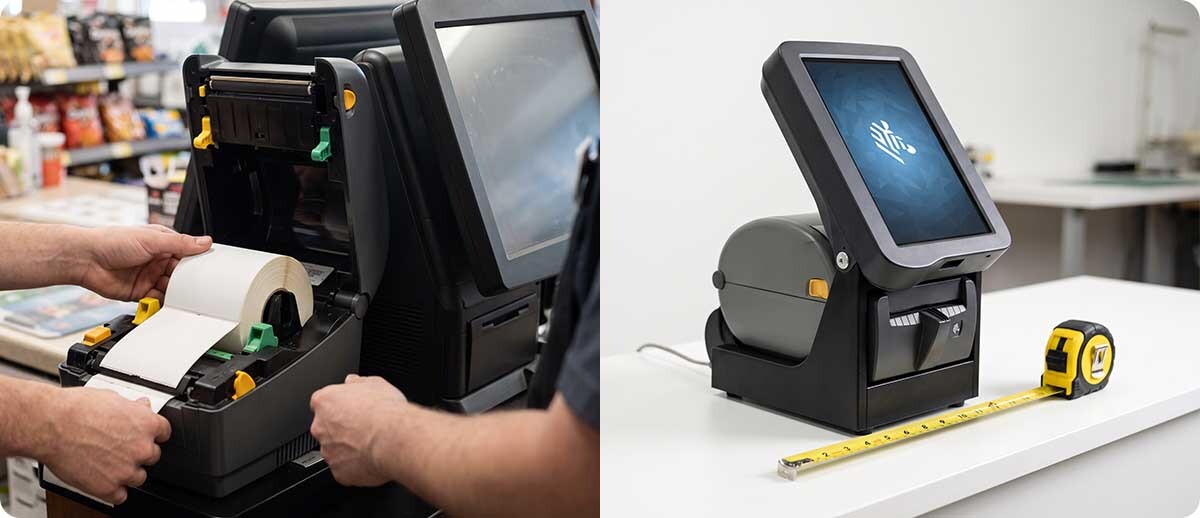
Holds the tablet and printer as one unit with a single power cord for everything. The base takes up about 11 x 8 inches of counter, and the whole kiosk moves to a new spot in minutes.
Learn more →If your store already runs Zebra printers or tablets, none of this is unfamiliar. Print Drop Go packages proven hardware for one job: getting parcel customers in and out fast.
How It Works
Print, Drop, Go
How Does a Customer Use Print Drop Go?
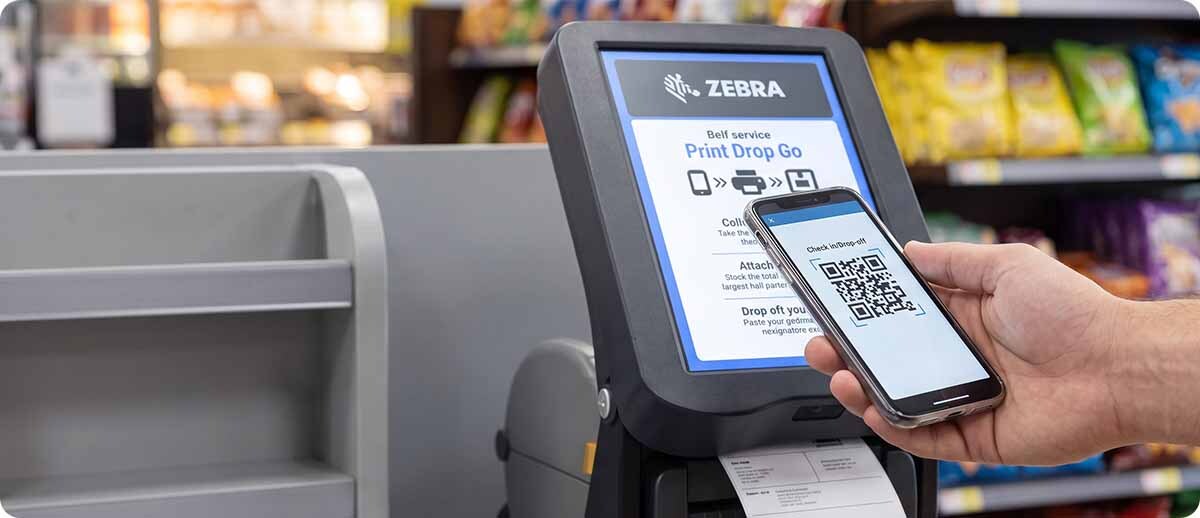
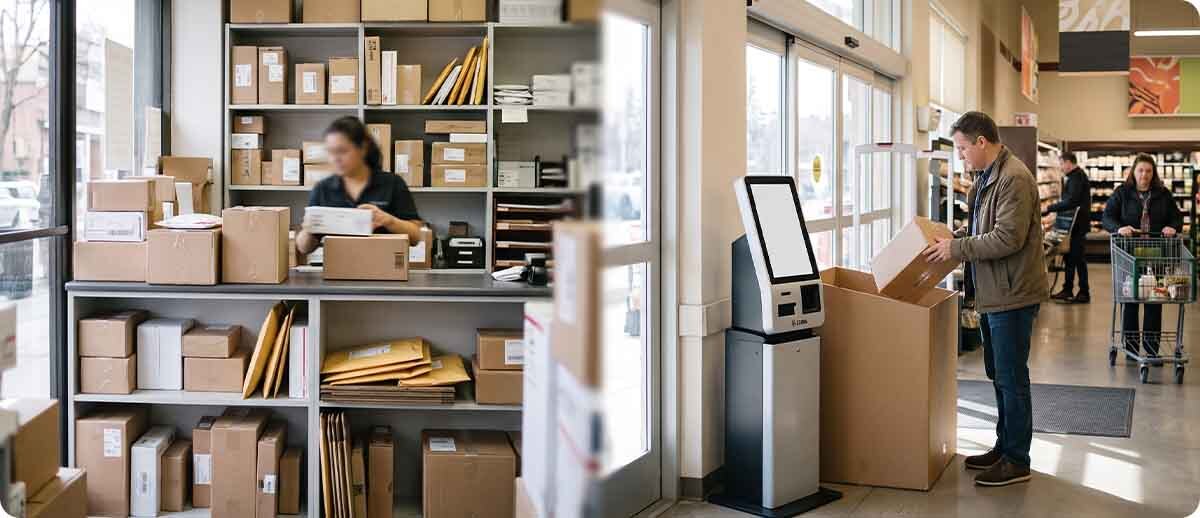
Before they ever reach the store, the customer creates the shipment in the carrier's or retailer's app. They pick the drop-off location and the service level, such as overnight or ground, and the app gives them a QR code. At the kiosk, it takes three steps:
The customer scans their QR code at the kiosk, and a self-adhesive shipping label prints right away.
They stick the label on the package and drop it in the bin, or hand it to an associate.
That's the whole transaction. They're out the door without ever joining the counter line.
The Pressure
Why Parcel Shops Need This Now
Why Are Store Counters Struggling to Keep Up With Parcels?
The volume is hard to overstate. Citing Capital One Shopping research, Zebra puts global parcel volume at an estimated 397 billion packages in 2025, more than a billion a day, and projects it will reach 500 billion by 2029. Returns add their own wave: Zebra cites DHL eCommerce data showing 45% of global returns now pass through parcel shops.
Parcel shops exist because they work for everyone. One shop replaces hundreds of residential stops a week for the carrier, the host store gets foot traffic, and customers don't have to print labels or even box up some returns at home. The weak point is the counter. Manual transactions don't scale, so busy days mean longer waits, overwhelmed associates, and customers who decide to go somewhere else.
What Does Self-Service Look Like at Scale?
UK carrier Evri is a good example. It runs Zebra tablets and ZD600 series linerless printers in self-service kiosks across its network of 7,000 ParcelShops. Backed by Zebra OneCare next-day replacement, Evri reported a 99% drop in service failures and about 66% more labels per roll after going linerless. Print Drop Go packages that same idea into a standard kiosk any store can deploy.
At a Glance
Print Drop Go Specs
What Are the Print Drop Go Kiosk Specifications?
| Spec | Print Drop Go Kiosk |
|---|---|
| Dimensions | 12.99 in. D x 8.35 in. W x 16.34 in. H (330 x 212 x 415 mm) |
| Base footprint | 11.02 in. D x 7.80 in. W (280 x 198 mm) |
| Tablet | Zebra ET401, 10-inch touchscreen, Wi-Fi 7 and 5G |
| Printer | Zebra ZD621 (high volume) or ZD421 (standard volume) |
| Linerless option | ZeroLiner linerless printing, optional on the ZD621 |
| Label formats | Works with your existing label formats |
| Interface ports | USB Type C (USB 3.1); bottom and back IO (USB 2.0) |
| Power | Integrated stand and power system, one cord for tablet and printer |
| Management | Zebra DNA tools, same as your other Zebra devices |
Specs from Zebra's Print Drop Go fact sheet (August 2026).
Decide
Is Print Drop Go Right for Your Store?
Best fit · Carriers
When Does Print Drop Go Make Sense for a Carrier?
Every package dropped at a parcel shop is one fewer stop for a driver. Carriers that run their own parcel shops, or partner with retailers to host them, can scale the number of customers each location handles without adding counter stations or staff. Shorter routes mean lower mileage, fuel, and wear on the fleet, which is where last-mile costs come down.
Uptime matters at this scale, so pair the kiosks with a service plan. Our guide to Zebra OneCare vs. Zebra Renewal explains how next-day replacement works when a device goes down.
Best fit · Retailers
When Does It Make Sense for a Retail Store?
Convenience stores, grocery, pharmacies, and other retailers that host carrier drop-off points get the foot traffic without tying up associates. Every customer who walks in to drop a return is a chance at an in-store sale, and the kiosk frees associates to help shoppers who need more than a label.
Because the kiosk runs on one power cord and a small footprint, it fits on an existing counter or near the entrance, and it can move when you reset the store.
Worth a second look
When Is a Staffed Counter Still the Better Fit?
Self-service works best for prepaid, app-created shipments and returns. If a large share of your parcel customers need packing help, international paperwork, or special handling, they'll still need an associate. Many stores land on a mix: kiosks for the quick drop-offs and a counter for everything else.
FAQ
Quick Questions
Do Customers Need an App to Use the Kiosk?
They create the shipment ahead of time in the carrier's or retailer's app, choosing the drop-off location and service level. That generates the QR code they scan at the kiosk. Nothing is installed or typed at the kiosk itself.
Will It Work With the Shipping Labels We Already Use?
Yes. Zebra says the kiosk works with your existing label formats. If you go with the ZD621, you also have the option to switch to ZeroLiner linerless labels, which fit about 50% more labels on a roll and mean fewer roll changes for staff.
How Hard Is the Kiosk to Set Up and Maintain?
It's built to be plug-and-play: one power cord runs the tablet and printer, and the printer has color-coded touchpoints so associates can change media quickly. The ET401 is managed with the same Zebra DNA tools as your other Zebra devices. If you're still deciding on the printer, our ZD421 vs. ZD621 comparison breaks down the difference.
Print Drop Go is one of the more practical things Zebra has put out for retail this year: familiar hardware built for one job, with a clear payoff in shorter lines. If you're weighing it for a parcel shop or drop-off counter, the team at The ZPS Store can help you sort out the printer choice, labels, and setup. In the meantime, you can browse our Zebra barcode printers and rugged tablets.
Keep Reading
Customers Also Checked These Out